
This article assumes you're working with DoOO Admins who have an account in WHMCS. If they don't yet have their own WHMCS credentials, follow this guide.
When you log into WHMCS, you can see what staff members are by looking at the bottom of the left-hand sidebar:
Administrator Logs
1. To check the logs for an Admin user, hover over the wrench in top, right corner and click on System Logs.
2. In the sidebar, click on Admin Log.
3. You'll then be able to see a log of when Admins accessed the network.
Note: Clicking on the Activity Log link there will show you what actions have been taken on the network and if it was an automated action or one taken by an Admin user.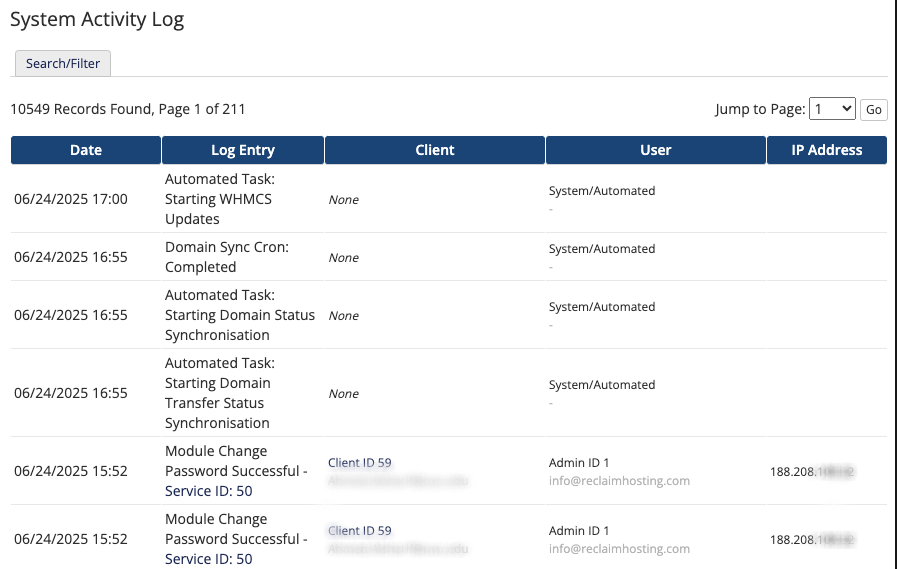
User Logs
If you need to check out user logs on a given account, go to a client account and click the Log tab.
It will give you a date and description of the action, along with the user that made the action.