How to Install Omeka S on Reclaim Hosting

Reclaim Hosting recently announced an automated installer for Omeka S is now available and in this guide we’ll show you how to install this new software.

Finding the All Applications link under the Web Applications section in the cPanel Dashboard

To begin you’ll select All Applications from the Application menu in cPanel (note that Omeka S is different from Omeka Classic which has its own shortcut link from the Applications menu)
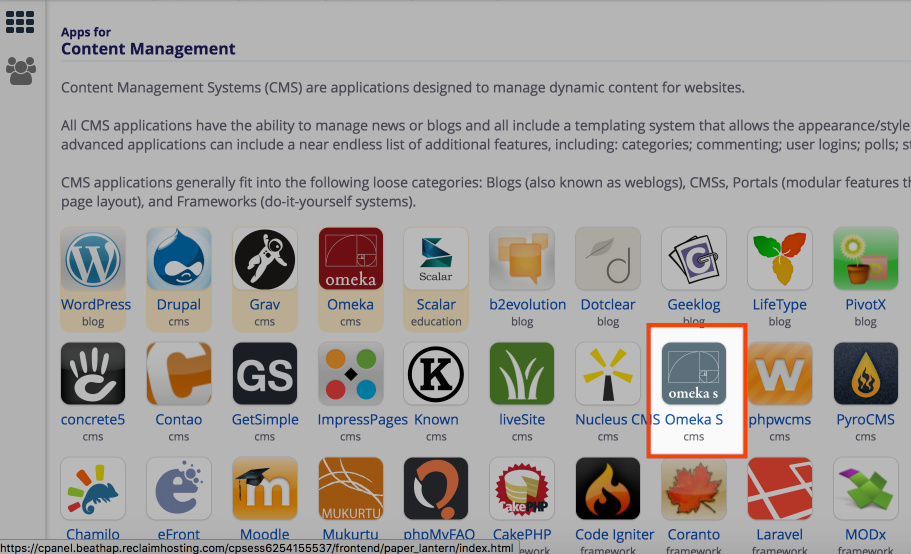
Browsing the full application directory in Installatron with categories shown on the left sidebar

You’ll find the Omeka S installer located in the Content Management Systems section of the application directory (or you can search in the top right by name)

Locating the Omeka S application profile inside the Installatron directory


Clicking the install this application button on the top right of the Omeka S profile page

Click install this application and choose a location for the install from the dropdown. If installing to a directory like yourdomain.com/archive add the directory below the location, otherwise you can leave the directory field empty.

Configuring the domain location, optional directory path, and automatic update settings for Omeka S

You’ll be asked to add the name for the install, Email Address, your name, and a password to configure the Omeka S install. Then click Install at the bottom of the page.
Setting the administrator credentials including username, password, email, and website title in the Settings section


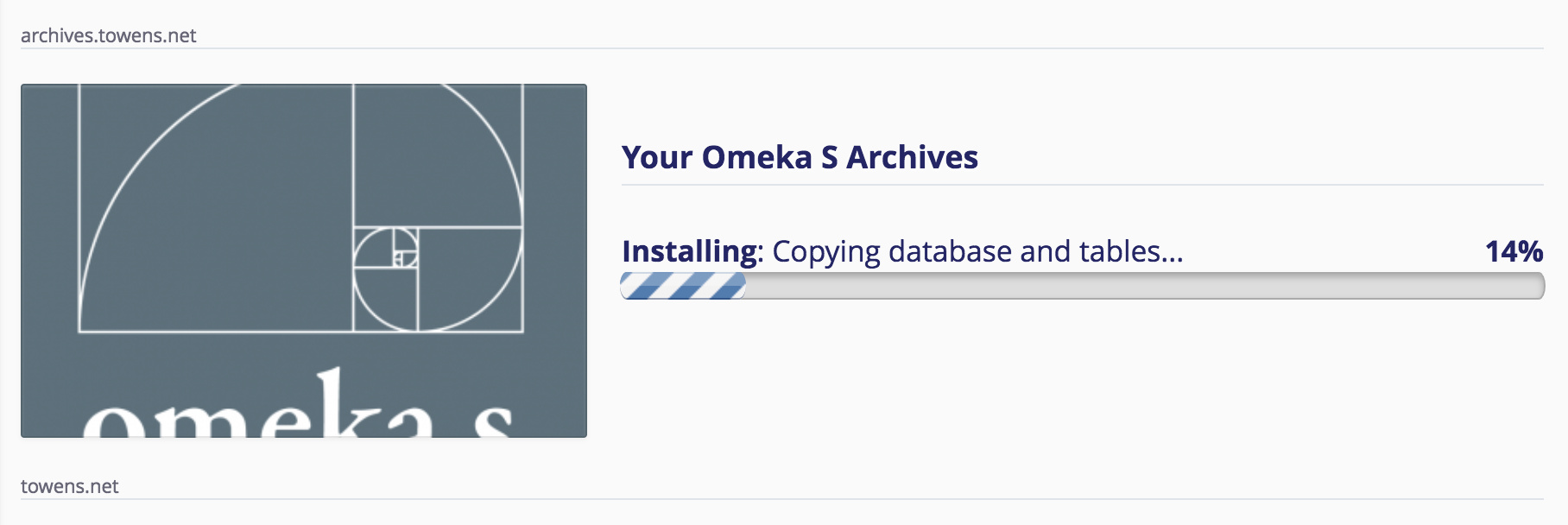
Monitoring the installation progress bar for Omeka S inside of cPanel

Once the install is complete you can use the /admin link to access the login for the dashboard of Omeka S and begin working with it.

Was this article helpful?
0 out of 1 found this helpful

Articles in this section

See more
Reclaim Hosting Support Hours
8:00 am - 5:00 pm ET, Monday through Friday
Submit a Ticket
Get a quick and helpful response from the pros.
Need Extra Support?
No problem, we're here to help! Talk to us about Professional Services or custom Service Level Agreements.